The Configure Printer option determines how your printer functions and communicates with RIP-Queue.
 To configure a printer:
You can select from the following tabs in the “Configure Printer” dialog:
• Device
• Media
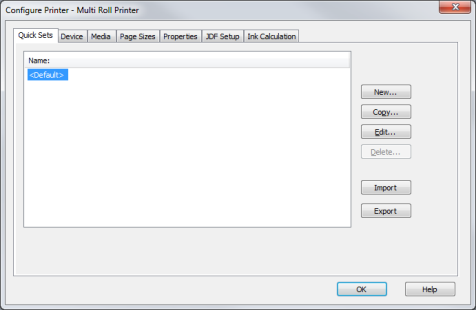
Figure 1
| Configuring Printers | |
|---|---|
|
The Configure Printer option determines how your printer functions and communicates with RIP-Queue.
You can select from the following tabs in the “Configure Printer” dialog: • Device • Media
|
Figure 1 |
|
Online Help Sections:
|
Did you find this information helpful? Leave feedback on this topic For technical support click here For more information about ONYX products please visit www.onyxgfx.com |